Less manual checking
We check the recall feeds against your catalog.
Product recall monitoring for retailers
Connect Square or upload a CSV where available for daily recall checks, email alerts and a record of your reviews.
We check the recall feeds against your catalog.
View the product and original recall notice together.
Save your review decisions and shelf checks.
Your Square catalog syncs automatically with read-only access. Where CSV upload is available, upload a fresh CSV when your products change.
We check your products against government recall notices daily and when imported catalog or recall data changes.
Compare potential matches with the original notice, check your stock and record your decision.
Five official feeds. One less thing to keep checking.
Coverage is not exhaustive. EPA stop-sales and FDA import alerts are not included. Always review the original notice.
Review potential matches, check what is on your shelf and keep a record of your decision.
Review the matching details alongside the original recall notice.
Compare your stock with the notice. Confirm or dismiss the match, then record a shelf check for confirmed items.
Revisit your review history, with CSV and print options for your store's records.
See when your products and recall sources were checked, and whether a source needs attention.
Find recall guidance for the products you carry.
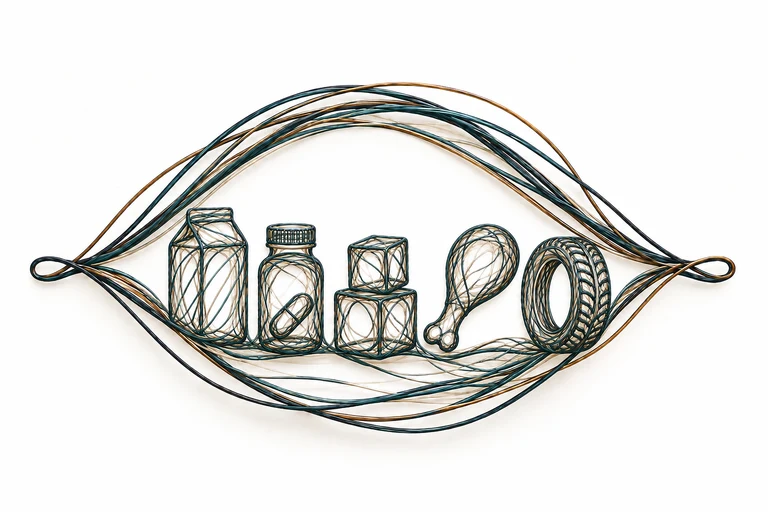
RecallDash checks catalog products against available notices for food, medicines, consumer goods, child restraints, tires and vehicle equipment. Coverage varies by source. See recall sources and coverage limits
Checks run daily and when your catalog or a feed changes. Each source publishes on its own schedule, so a new notice may appear later.
After a completed scan finds a recalled match eligible for email, alerts are scheduled after a 15-minute window to group related findings. Ongoing scans or delivery problems can delay sending. Possible matches stay in your dashboard for review and do not trigger email on their own. If review is required, email is held until an authorized reviewer releases it.
No. Square access is read-only. You review the original notice, check the item on your shelf and decide what action to take.
Open the original notice and compare its product, brand, lot, date and distribution details with your item. Confirm or dismiss it; you can mark a shelf check for a confirmed item.
Record the decision and action in your audit history. You can export CSV or print the record for your store's files.
FDA food and drug enforcement, USDA FSIS, CPSC and a selected part of NHTSA. Coverage is not exhaustive; review the original notice for the affected products.
Where CSV upload is available in your dashboard, upload a file and refresh it as your products change. A CSV does not update itself between uploads.
Bring your catalog. Make recall checks part of your routine.
Get started